The grid shows every product column by default. Hide the ones you don’t need, move the rest into the order you work in, and rename or sort them. SwiftGrid remembers your arrangement for your user account, so other users keep their own.
Show or Hide Columns
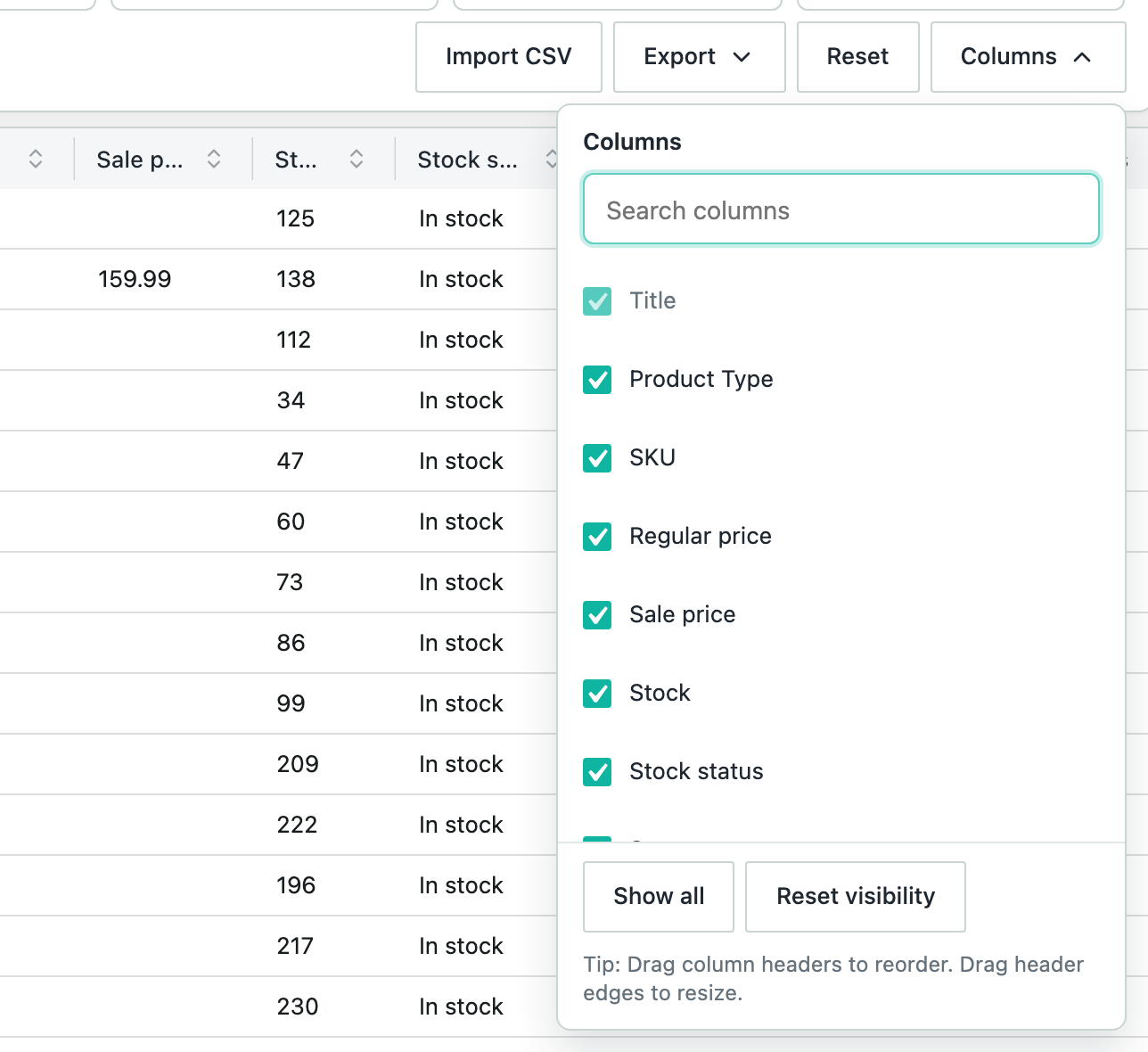
- Click Columns above the grid.
- Disable a column to hide it, or enable it to show it. Type in Search columns to find one.
- Click Columns again to close the list.
Show all brings back every hidden column, and Reset visibility returns to the default set. The Title column can’t be hidden.
Move and Resize Columns
- To move a column, drag its header to a new place.
- To change a column’s width, drag the edge of its header.
Rename a Column
- Double-click the column’s header.
- Type the new name, then press Enter.
To go back to the original name, double-click the header, delete the name and press Enter.
Sort by a Column
Click the arrows in a column’s header to sort the grid by that column. Click again to reverse the order. The Categories, Tags and Image columns don’t sort. Sorting closes any open variations, and opening variations clears the sort.