Theme Settings controls what Puro shows and how it behaves. It is in the free theme. Go to AppearanceCustomizeTheme Settings.
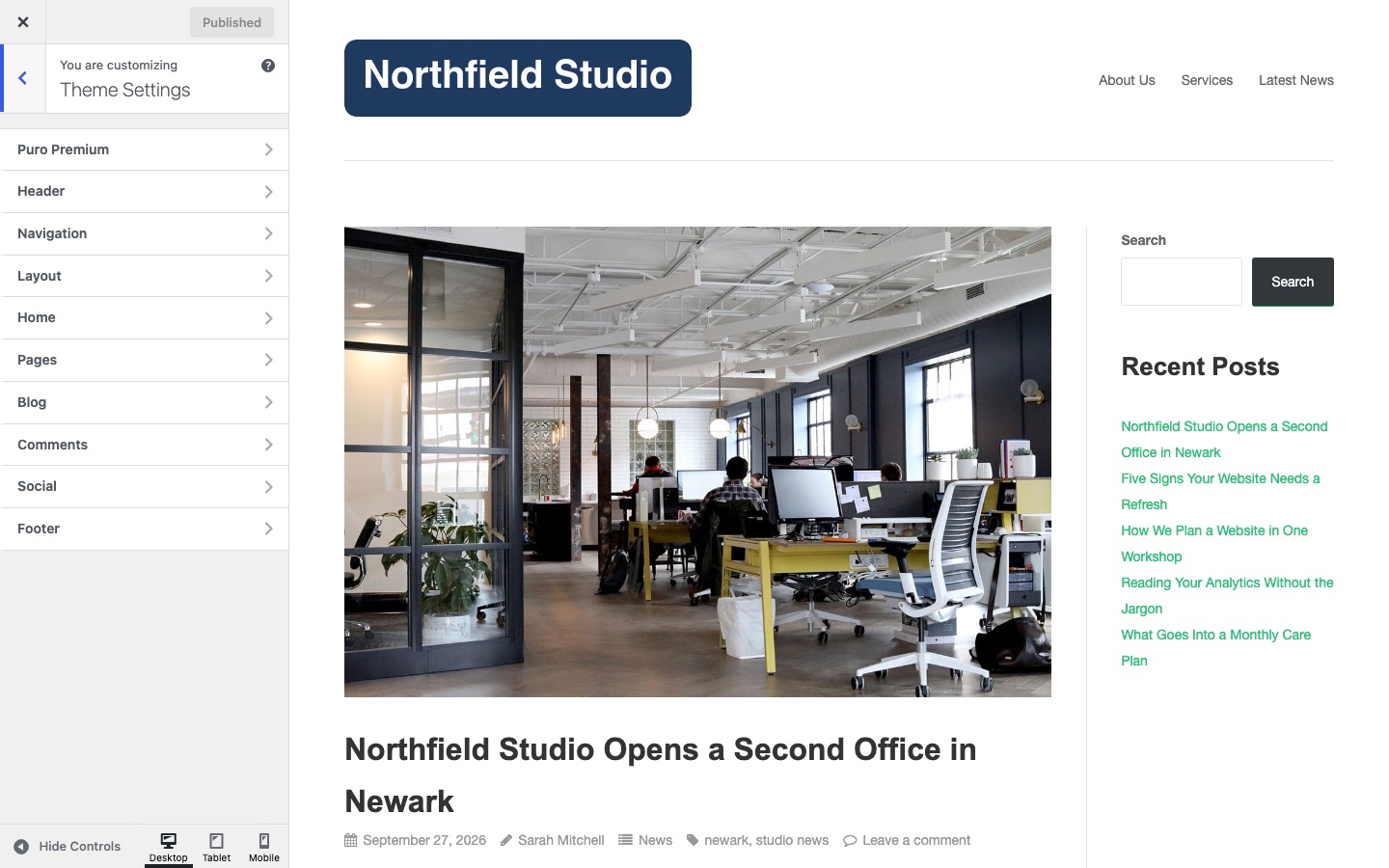
Sections
- Puro Premium: the order number for premium updates.
- Header: logo, centered logo and tagline.
- Navigation: post navigation, header menu and mobile menu.
- Layout: responsive layout and FitVids.
- Home: the home page slider.
- Pages: the page featured image.
- Blog: archive layout, post meta and excerpts.
- Comments: allowed tags text and AJAX comments.
- Social: sharing icons and Twitter handle.
- Footer: copyright text, privacy link and attribution.
Settings marked Premium need Puro Premium. The free theme shows a button that reads Available in Premium in place of each Premium setting.
Related
Was this helpful?