Use Fonts to change the font family and size of headings and body text. It needs Puro Premium. Go to AppearanceCustomizeTheme DesignFonts.
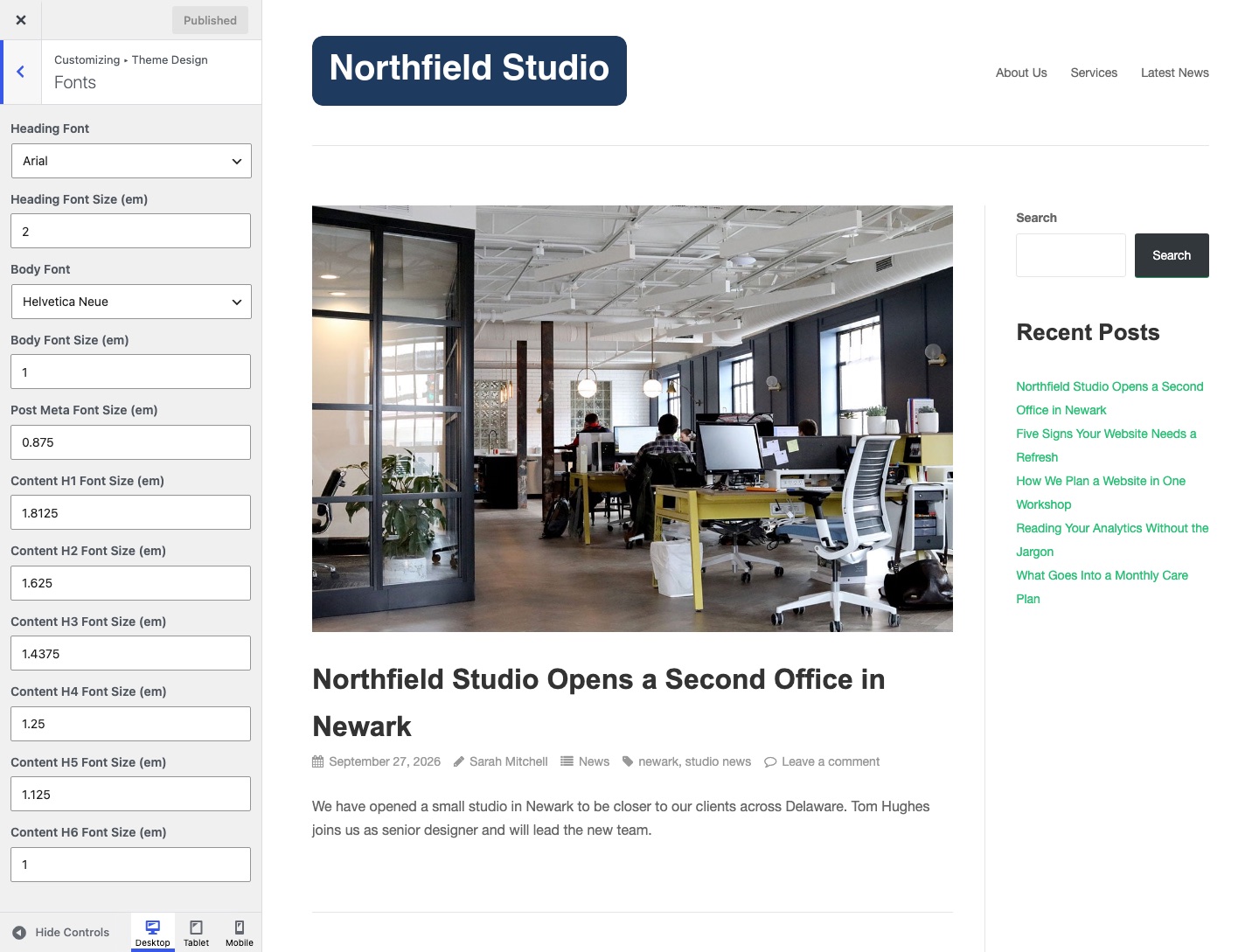
Each font list has 8 web-safe fonts and the Google Fonts library. A Google Font can have a weight in brackets, for example Open Sans (700). Puro loads Google Fonts from Google servers. To host them yourself, see Load Fonts Locally Instead of Google Fonts. Size settings use ems. Enter a number without the unit.
Heading Font
The font of all headings, h1 to h6. Default: Arial.
Heading Font Size (em)
The size of the post title on single post pages. Default: 2.
Body Font
The font of body text, buttons and form fields. Default: Helvetica Neue.
Body Font Size (em)
The size of text in the post and page content: paragraphs, lists, tables, form fields and page links. Default: 1.
Post Meta Font Size (em)
The size of post meta text. Post meta shows the date, author, categories, tags and comment count under a post title. Default: 0.875.
Content H1 Font Size (em)
The size of an h1 in post or page content. Default: 1.8125.
Content H2 Font Size (em)
The size of an h2 in post or page content. Default: 1.625.
Content H3 Font Size (em)
The size of an h3 in post or page content. Default: 1.4375.
Content H4 Font Size (em)
The size of an h4 in post or page content. Default: 1.25.
Content H5 Font Size (em)
The size of an h5 in post or page content. Default: 1.125.
Content H6 Font Size (em)
The size of an h6 in post or page content. Default: 1.